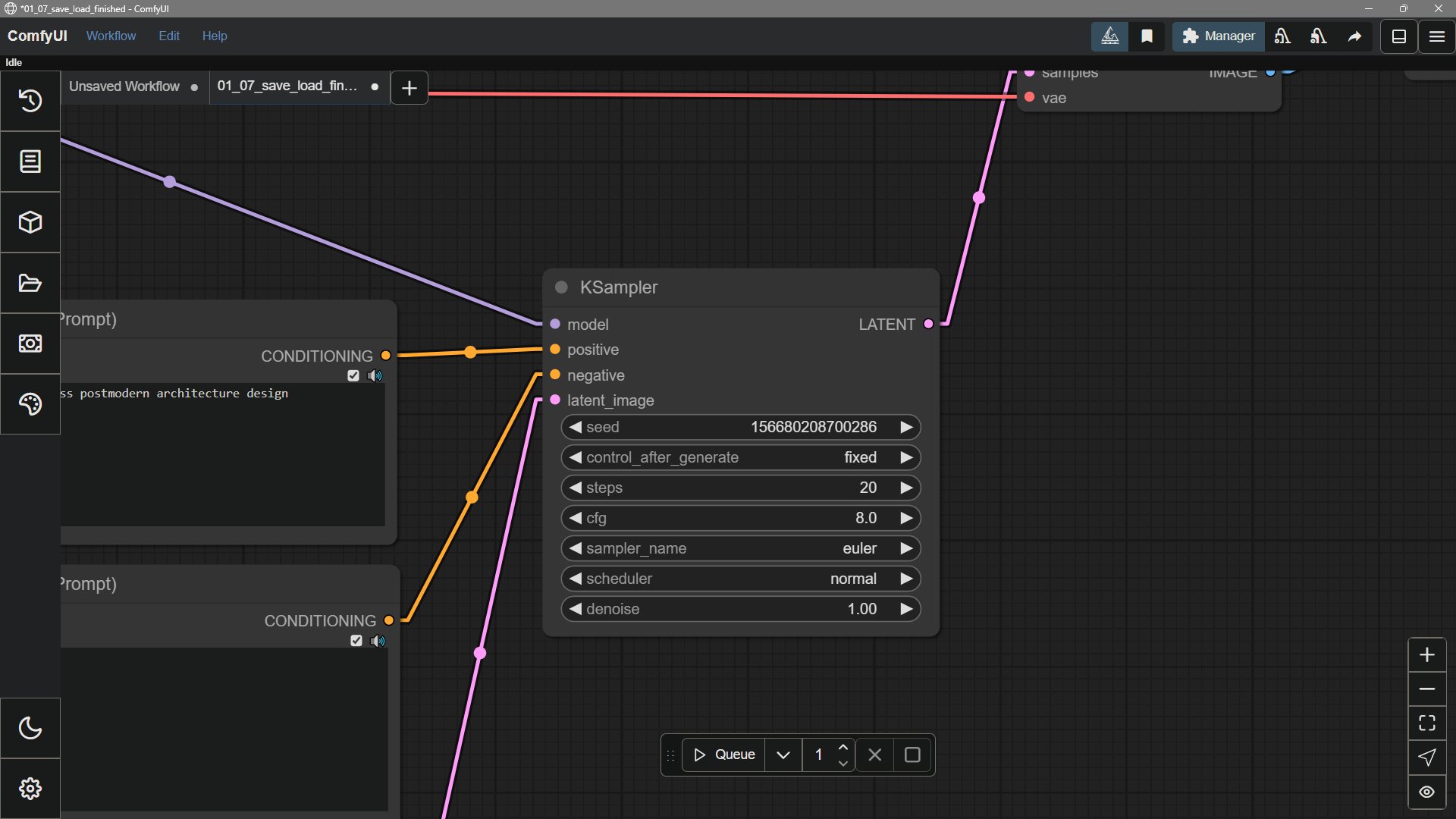
A node has controls you can change, such as a prompt, image size, or number of generation steps. These values are often called settings, parameters, or properties. You do not need to learn those names before running a template. Node settings

Change a setting inside a node

Find the field in the node, enter a value, and run the workflow again. For example, a text input holds your prompt. A Load Checkpoint node has a selector for a local model file. A KSampler node has settings such as steps and sampling method.

When a value comes from another node

Some controls can instead receive their value through a connection. In that case, follow the line to the node that supplies the input and change it there. The connection points are often called ports or slots. See Links for how connections work. Connections accept specific kinds of data. An image output, for example, cannot feed a number input. If two ports will not connect, check their input and output labels and types. For a simpler introduction to the whole canvas, start with How ComfyUI works.