Links connect nodes
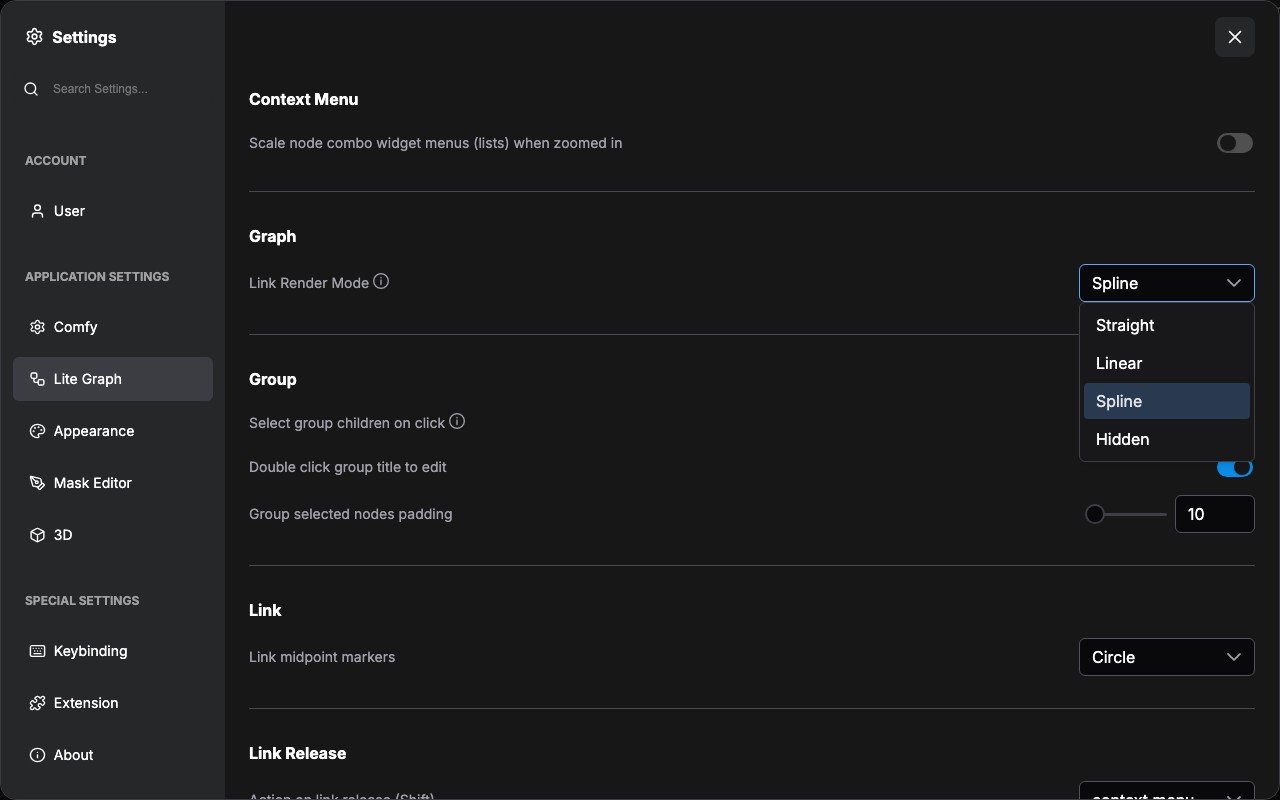
The lines between nodes are links, also called connections. They carry the output of one step into the input of another. Follow them to see how a prompt, model, or image reaches the final output. For a first tour of the canvas, see How ComfyUI works. The sections below explain display styles, reroutes, and connection types in more detail. Links can be displayed in several visual styles: curves, right angles, straight lines, or hidden entirely.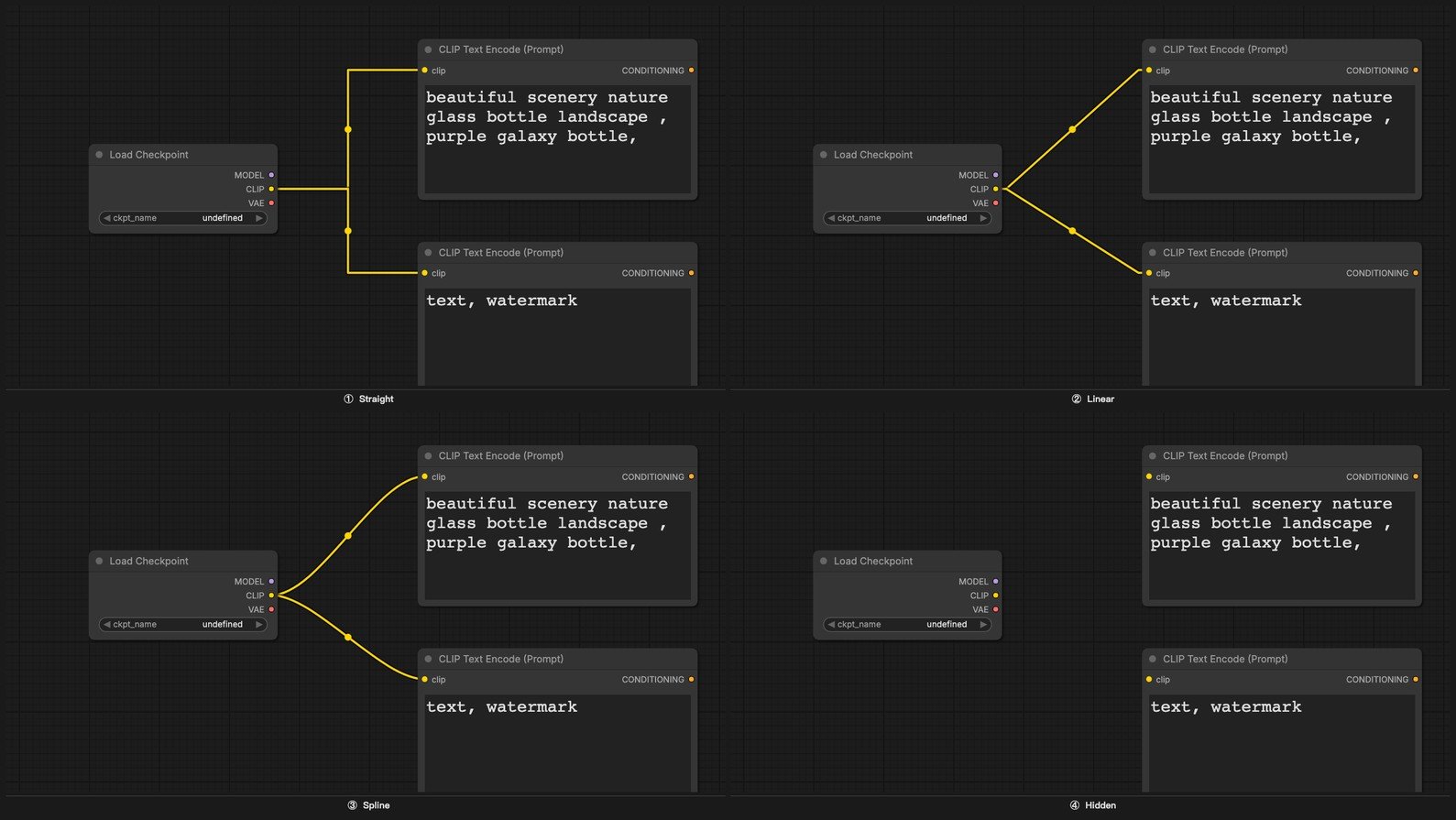
Reroute node
When a workflow becomes complex, link wires can overlap or pass behind nodes, making it hard to read. The Reroute node lets you manually redirect a wire through any point in the 2D graph space, keeping the layout clean and legible.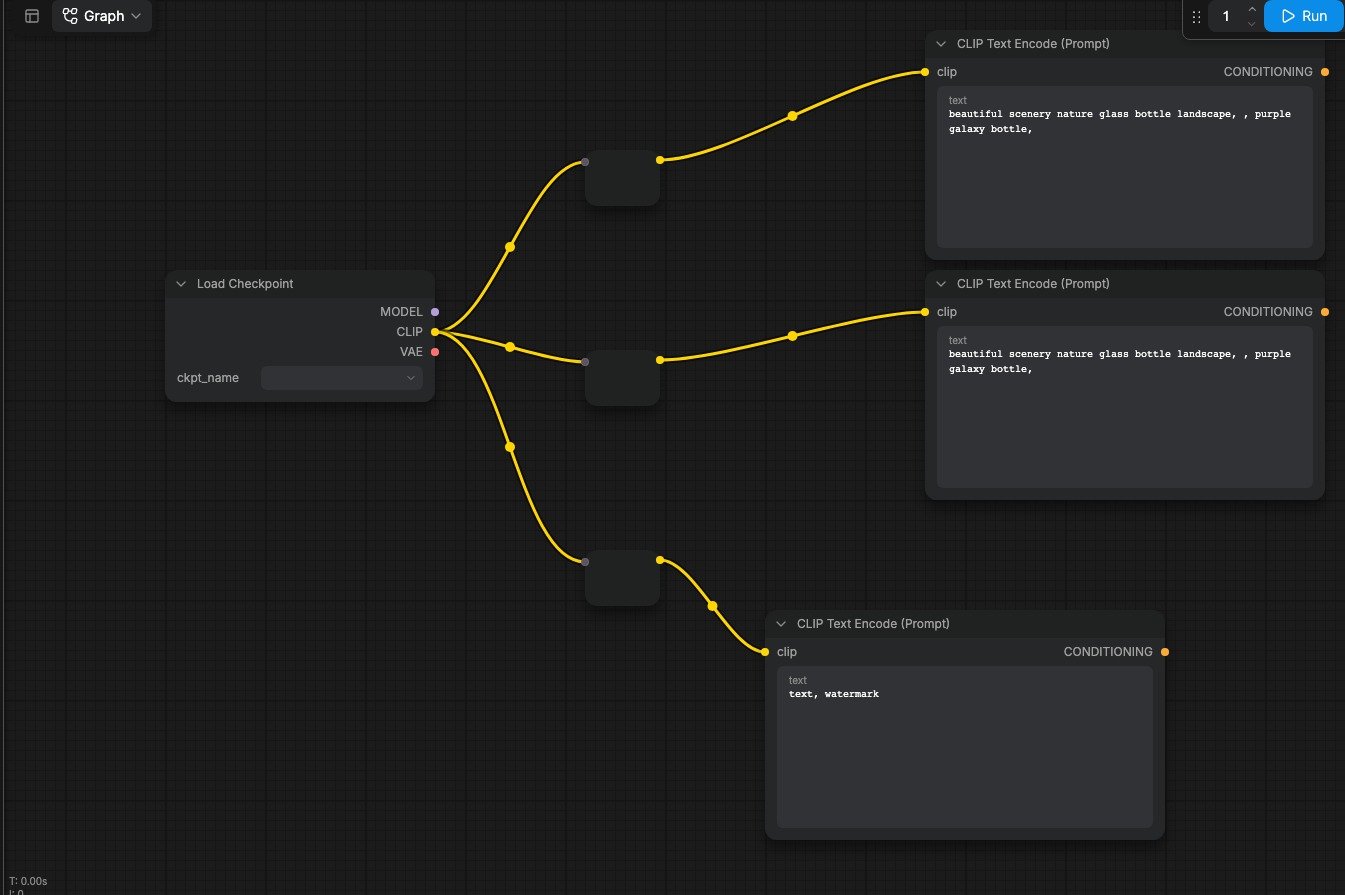
Color-coding
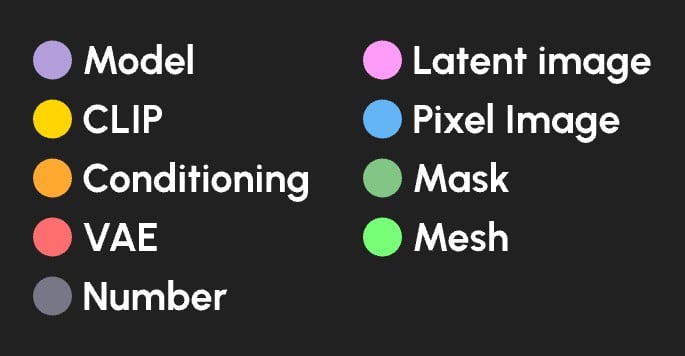
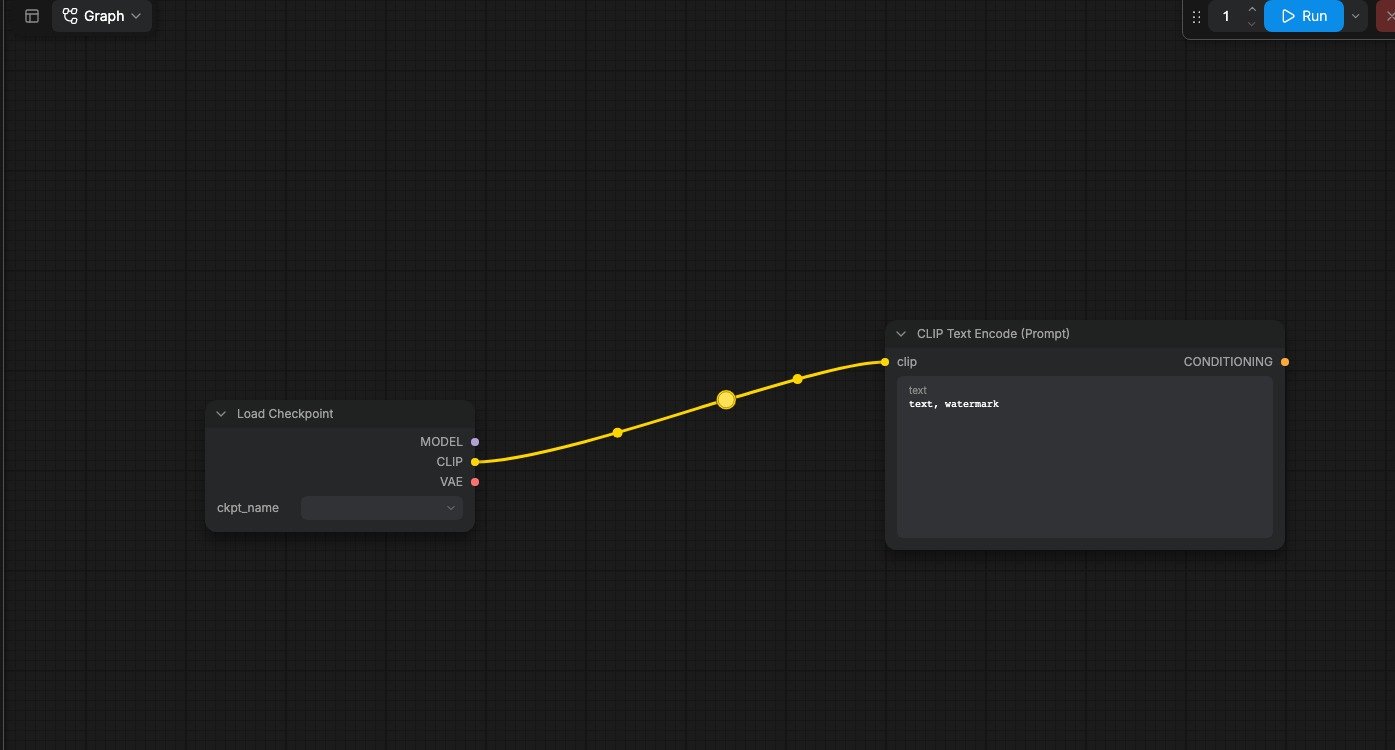
Every data type in ComfyUI has a distinct color. Node input and output ports, as well as the link wires connecting them, all share this color scheme. You can only connect ports of the same color. This ensures type safety across your workflow.